

Revolutionize
your learning
experience with
Revolutionize your
learning experience with

Designed by learning designers for better learning
An innovative way to create magazine-style, highly
engaging and interactive SCORM-compliant
learning and communications.
Built in partnership with Webster Interactive and TRP Creative.
Use Cases
Whether a course or a resource, Codex® provides full SCORM
analytics, from first to final click. Launch these samples in
Chrome or Microsoft Edge for an optimal experience.
Whether a course or a resource, Codex® provides full SCORM analytics, from first to final click. Launch these samples in Chrome or Microsoft Edge for an optimal experience.
eLearning
Update clicking “Next” with Codex®. Introduce a new interface without compromising features and functionality.

Participant Guides
Leverage the interactivity and tracking of eLearning while providing everlasting access to the content by digitizing the entire classroom experience in learners’ guide.
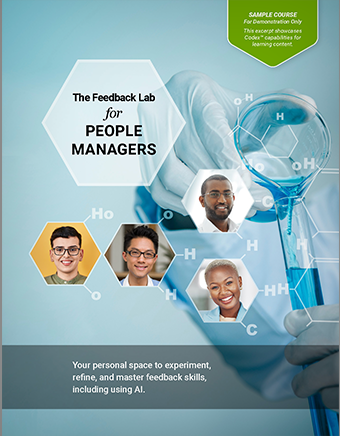
Microlearning
Say goodbye to the patchwork of tools. Codex® is a one-stop shop for microlearning, integrating the content and workbook.
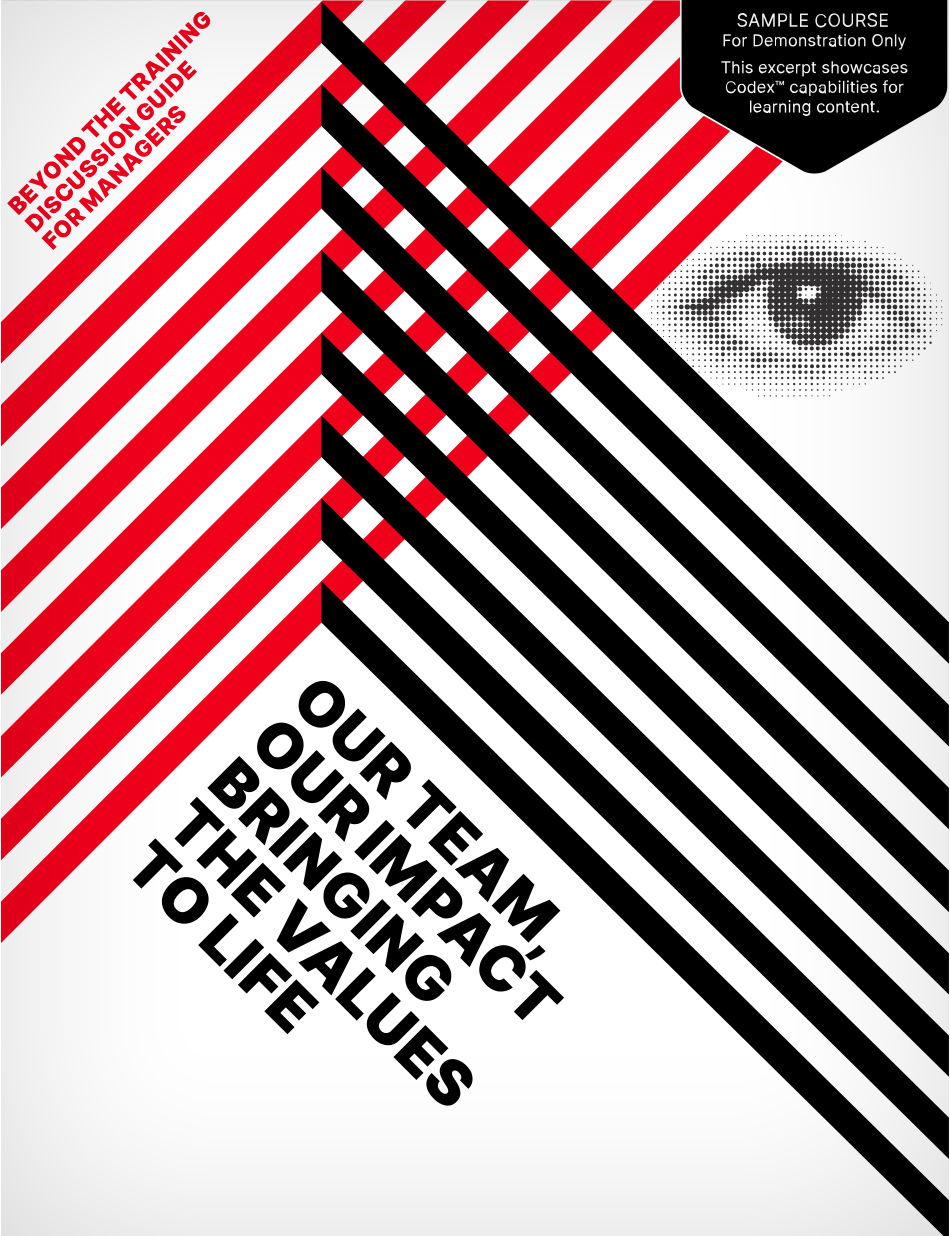
Facilitator & Conversation Guides with Built-In T3
Easily integrate video-based train-the-trainer content into facilitator and conversation guides.

Presentations
Codex® transforms static slides into a fresh, dynamic experience.

Capabilities
Here's an inside look at how Coin Harlan designs high-impact, custom learning experiences that solve complex business challenges.

SVG Overview
Explore the world Scalable Vector Graphics (SVG). Learn to unleash the power of resolution-independent graphics that allows you to build stunningly fast, interactive animations and data visualizations for the modern web.
Playbook of Possibilities
Need to increase the fun factor? Check out our latest interactions and animations for any Codex® resource, whether a digital participant or conversation guide, or eLearning.

The AI in Learning Design Guide
A step by step AI guide created for instructional designers who want clear, actionable instructions for using AI to accelerate their work. This role specific AI training strengthens real design practice because it focuses on the tasks learning designers perform every day.

eLearning
Update clicking “Next” with Codex®. Introduce a new interface without compromising features and functionality.
Participant Guides
Leverage the interactivity and tracking of eLearning while providing everlasting access to the content by digitizing the entire classroom experience in learners’ guide.
Microlearning
Say goodbye to the patchwork of tools. Codex® is a one-stop shop for microlearning, integrating the content and workbook.
Playbook of Possibilities
Need to increase the fun factor? Check out our latest interactions and animations for any Codex® resource, whether a digital participant or conversation guide, or eLearning.
The AI in Learning
Design Guide
A step by step AI guide created for instructional designers who want clear, actionable instructions for using AI to accelerate their work. This role specific AI training strengthens real design practice because it focuses on the tasks learning designers perform every day.
SVG Overview
Explore the world Scalable Vector Graphics (SVG). Learn to unleash the power of resolution-independent graphics that allows you to build stunningly fast, interactive animations and data visualizations for the modern web.
Facilitator & Conversation Guides with Built-In T3
Easily integrate video-based train-the-trainer content into facilitator and conversation guides.
Presentations
Codex® transforms static slides into a fresh, dynamic experience.
Capabilities
Here's an inside look at how Coin Harlan designs high-impact, custom learning experiences that solve complex business challenges.
How does Codex® compare to other
digital-magazine and eLearning technologies?
| Codex® | Other Digitial Magazines | eLearning | |
|---|---|---|---|
| Fully SCORM-tracked, not just SCORM-wrapped. This means full SCORM analytics, from first page to last click. |  |
Some |  |
| Learners can download a custom, personalized version of the course or resource as an interactive PDF. | |
||
| Learners can highlight text; all highlighting is saved to the LMS and preserved in the downloaded version. | |
||
| Learners can take notes anywhere; all notes are saved to the LMS and preserved in the downloaded version. | |
Some | Some |
| Scored interactions, e.g., drag and drops and knowledge checks, just as you’d expect in eLearning. | |
Some | |
| Customizable text animations to enhance engagement, clarity, and retention. | |
|
|
| Interactive, animated SVGs. Add engagement, surprise, and delight with lightweight and resolution-independent graphic animations. | |
||
| Can embed published, SCORM-compliant courses with full LMS tracking (course within a course) to capitalize on existing resources. | |
Some | Some |
| Display third-party Web content without opening a new window (Intranet pages, forms, surveys). | |
Some | Some |
| Compatible with Web Content Accessibility Guidelines (WCAG) and tools like Accessible Rich Internet Applications Suite (WAI-ARIA). | |
Some | Some |
Contact Us
By providing your name, company name, and email address, you are agreeing to receive information and be contacted by Coin Harlan. For more information, see our Privacy Policy.